hen setting up a Dispatcher Paragon environment, you may need to check network connectivity from one endpoint to another. For example:
MFD subnet > Server or Server > MFD subnet
End user PC with Client > Server
Server > Server
This page provides multiple options how to do so
Option 1 - PowerShell Test Network Connection function
Open PowerShell as an administrator
Run a command with the structure tnc <IPaddress or Hostname> -port <port number>
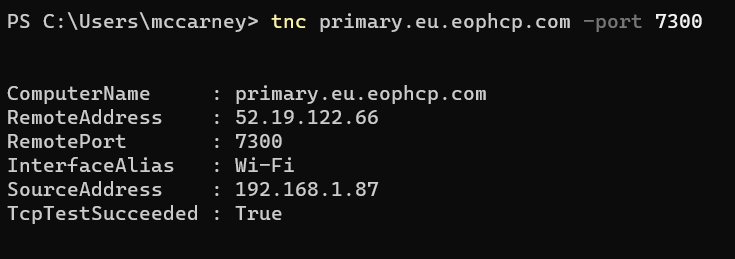
If the test succeeds you will see a result like this
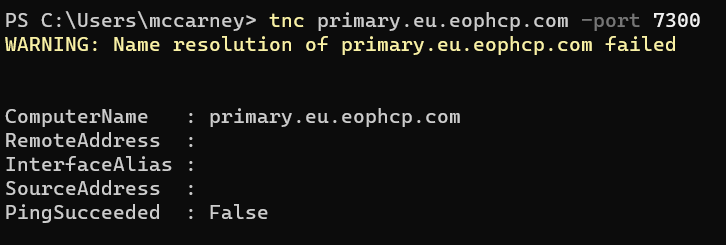
If the test fails you will see a result like this
Option 2 - Port Quiz
This option is useful for Linux servers to check outbound ports, see instructions below.
You can browse to http://portquiz.net:8443/ for instructions, or use any of the below commands depending on the OS you are using.
Windows PowerShell
# For Windows PowerShell usersTest-NetConnection -InformationLevel detailed -ComputerName portquiz.net -Port 8443Linux
$ nc -v portquiz.net 8443Connection to portquiz.net 8443 port [tcp/daytime] succeeded!$ curl portquiz.net:8443Port test successful!Your IP: 109.145.45.30$ wget -qO- portquiz.net:8443Port test successful!Your IP: 109.145.45.30Windows Telnet
$ telnet portquiz.net 8443Trying ...Connected to portquiz.net.Escape character is '^]'.